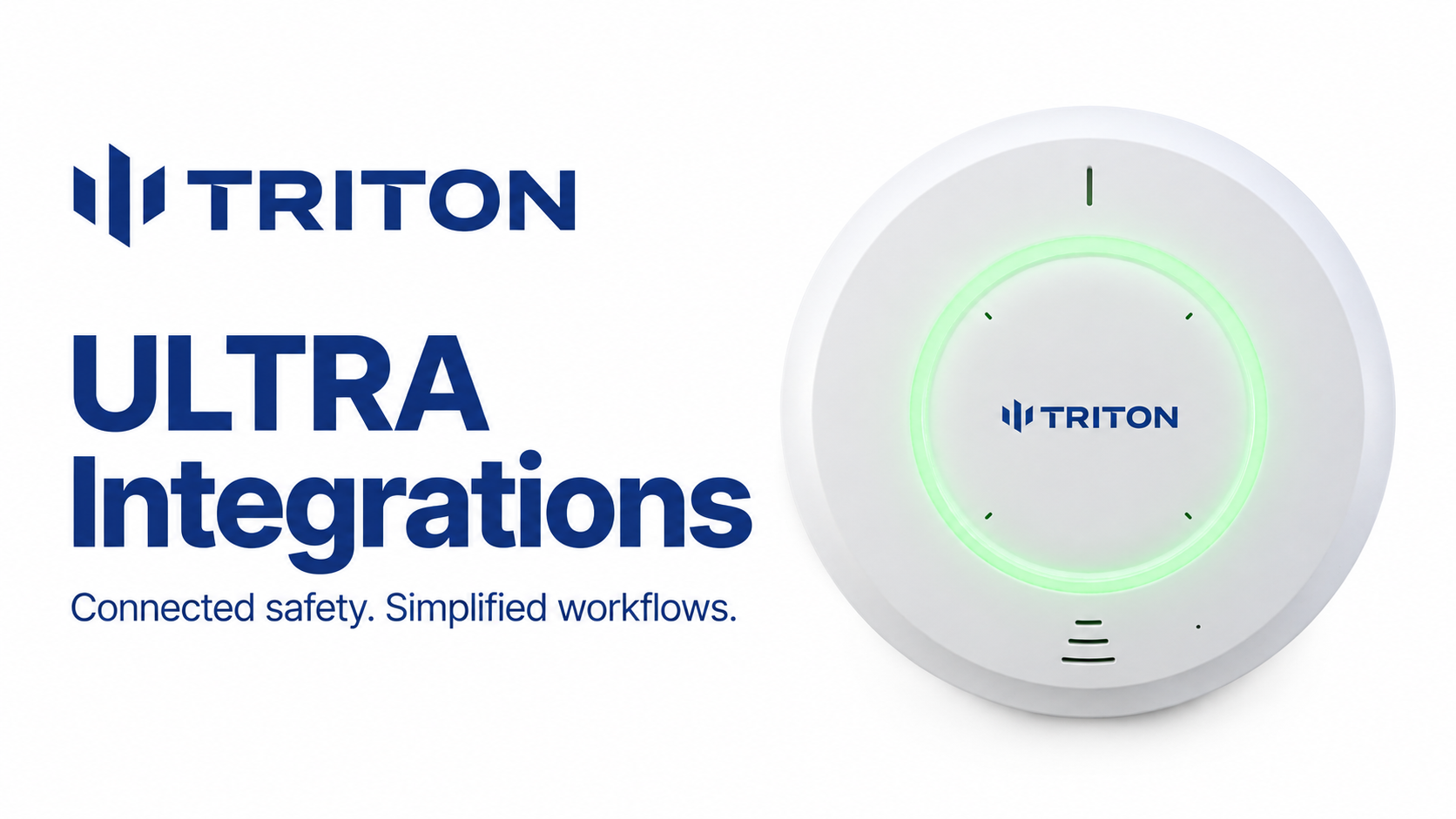
Schools choosing Triton ULTRA to replace HALO sensors can often reuse existing PoE cabling, keep supported camera integrations, and retain local operation without a required cloud subscription. The upgrade also adds radar-based occupancy monitoring, loitering alerts, and new options for incident review. For schools evaluating a HALO vape detector replacement, that means building on their existing investment while giving staff more information to work with.
Customers commonly point to aging hardware, alert reliability, support, and subscription costs as the primary drivers for considering a switch. Charleston County Schools and Manatee County Schools are among the districts that have replaced HALO sensors with Triton ULTRA.
Why schools are reconsidering their HALO sensors
Discontinued hardware. HALO’s discontinuation notice lists HALO-V2.00, HALO-V2.50, and HALO-2C as discontinued. The notice applies to these older models, not the entire HALO range, and says support continues until the installed product’s warranty expires. For schools planning a hardware refresh, it provides an opportunity to evaluate replacement options.
Security and privacy concerns. Researchers found that vulnerabilities in HALO 3C devices could allow an attacker on the same network to eavesdrop through the microphones, trigger fake alerts, or disable detection. Motorola issued a firmware fix and reported no known exploitation in customer environments. The findings highlight security and privacy considerations when evaluating replacement sensors.
False alerts and staff workload. In Montgomery County, FOX 5 DC reported complaints about hundreds or thousands of daily HALO notifications, including false alarms. Motorola said the survey preceded full calibration. For schools experiencing repeated nuisance alerts, reducing unnecessary responses can be an important reason to evaluate alternatives.
Replacing HALO with Triton ULTRA at a glance
Reuse existing cabling and ceiling locations
Replacing HALO sensors does not necessarily mean running new cable. Triton ULTRA uses Power over Ethernet, so suitable Ethernet cabling already serving your HALO devices can provide power and data. If you need additional coverage, ULTRA supports PoE daisy chaining of up to five devices, connecting sensors with patch cables to reduce dedicated cable runs and preserve switch ports.
ULTRA’s compact, ceiling-mounted design can also make it easier to reuse existing sensor locations. At 5.5 inches in diameter and 1.96 inches high, it has a similar footprint to older HALO models. Confirm mounting, ceiling openings, power requirements, and coverage before the swap. Where those requirements are met, installation can focus on replacing and configuring sensors while keeping the existing infrastructure.
Keep your integration workflows
For many HALO customers, camera integration was a major part of the original purchase. Switching sensor brands does not necessarily mean giving that up.
Triton supports integrations with many major video management platforms including Genetec Security Center, i-PRO Video Insight, Avigilon, Hanwha WAVE, Milestone XProtect, and Axis Camera Station. Schools using a supported platform can configure ULTRA events within the security environment their staff already know.
Evidence Room requires a Triton Cloud subscription and a supported camera integration. It brings sensor events and associated camera footage together for review. Check the integration guide for your VMS to see which functions are available; basic VMS compatibility and Evidence Room support are separate capabilities.
No required subscription
Many schools chose HALO for local operation without a required cloud subscription. Triton ULTRA also includes local software that is free for the life of the device. That gives schools an option for keeping sensors operational without adding an ongoing cloud fee to every device.
Schools that want centralized management can add a Triton Cloud subscription. This subscription is required for SMS and app notifications, Evidence Room, and customizable keyword alerts. Compare the local and Cloud options against the features your staff will actually use, so the ongoing cost is clear before you purchase.
Add occupancy monitoring to your existing VMS
A replacement project can also expand what staff learn from each sensor. ULTRA uses radar for people counting and occupancy visualization, and it can alert when someone remains in an area beyond a configured loitering threshold.
Each sensor’s RTSP stream brings its live occupancy visualization into a compatible VMS alongside hallway camera feeds. Staff can check occupancy in multiple bathrooms from one workstation without putting cameras inside those private spaces.
That information helps staff prioritize checks and assess occupancy before responding to an alert. It can reduce trips made simply to see whether a room is occupied, while staff continue the rounds and response procedures their school requires.
Try before you buy
Before committing to a HALO replacement, try Triton ULTRA in your own school through our no-cost end user demo program. Installing a sensor in one of your bathrooms lets you evaluate the software, features, and integrations with the staff who will use it every day.
That hands-on evaluation helped SRO Berni Westleigh at RSU 16 in Maine assess her district’s options after repeated troubleshooting and notification problems with HALO. She tested one Triton ULTRA sensor in a busy girls bathroom previously served by HALO. In our published customer story, Berni reported that staff began recovering two to three vapes per day from that location, including THC and dab pens. She also highlighted the quick setup, easy access from phones and computers, and real-time people counts that helped staff monitor bathroom activity.
Common questions about replacing HALO vape detectors
Can Triton ULTRA replace HALO without new cabling?
Often, yes. Suitable Ethernet cabling can be reused. Confirm PoE power, mounting, network settings, and placement before planning a one-for-one replacement.
Does Triton ULTRA require a subscription?
No subscription is required for ULTRA’s included local software and local operation. Triton Cloud is optional and is required for Cloud services such as SMS alerts, Evidence Room, and custom Keyword Assist.
What warranty and support are included?
ULTRA includes a standard 10-year limited hardware warranty without requiring a cloud subscription. Triton offers 24/7 phone access to a real person and email support. Cloud purchases include professional configuration, onboarding, and training.
Can we test ULTRA before replacing our HALO devices?
Yes. Fill out a request on our website. Test detection, nuisance alerts, notification delivery, occupancy information, and the camera integration your team will use.