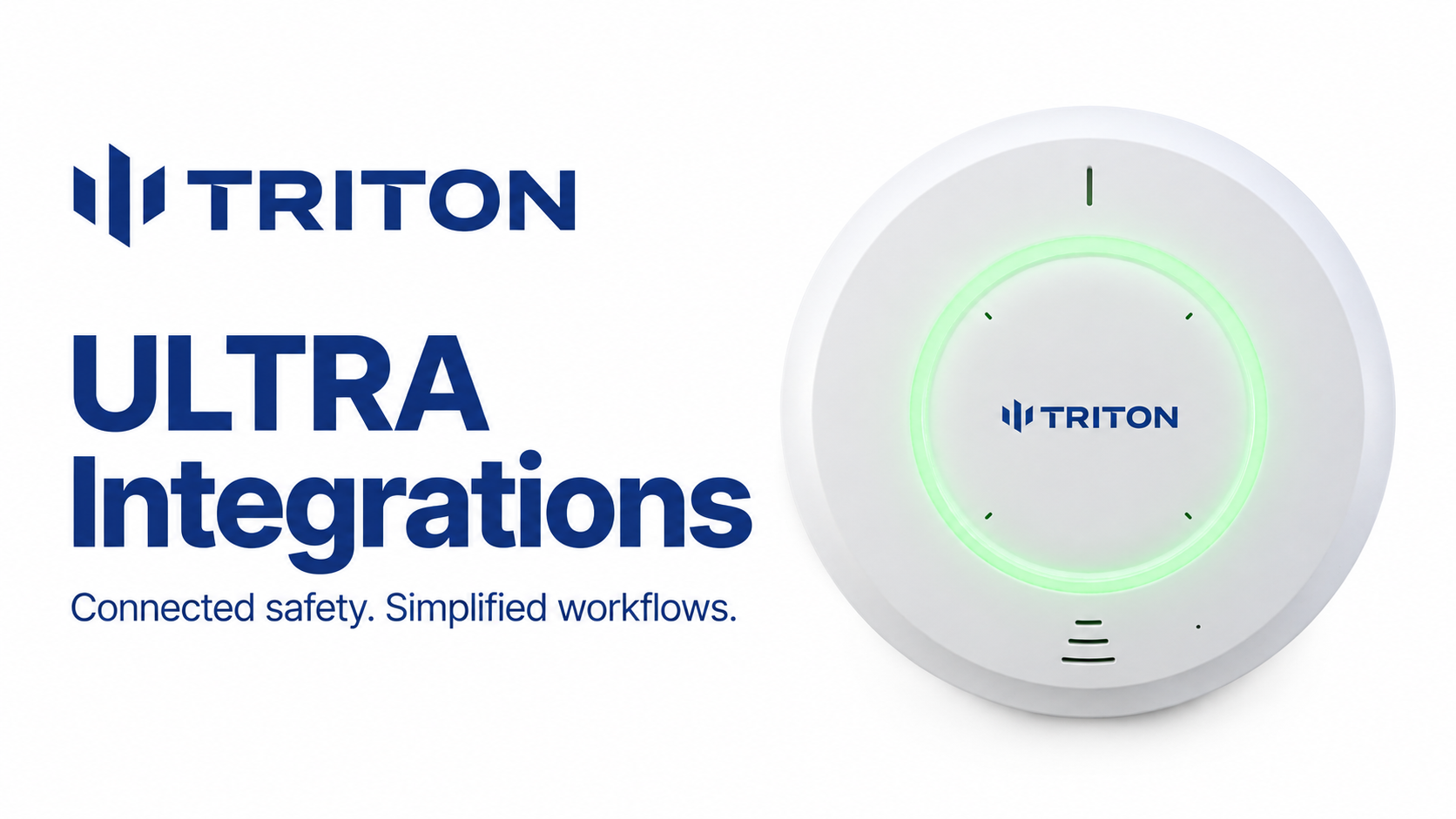
Triton ULTRA connects vape detection and safety alerts to the security systems your team already uses. Depending on the integration, staff can receive an alarm in their video management system, view the associated camera, monitor bathroom occupancy, trigger an intercom response, or review sensor data alongside recorded footage.
Triton supports connections to more than 20 platforms across video management, access control, intercoms, mass notification, and staff communication. These include direct sensor integrations, Triton Cloud integrations, and email-based alert delivery to tools such as Microsoft Teams and Slack.
Connect Triton ULTRA to your video management system
Triton ULTRA works with platforms including Genetec Security Center, Milestone XProtect, i-PRO VideoInsight, OpenEye Web Services, Axis Camera Station, and the other systems listed below.
Direct sensor integrations are configured on ULTRA and do not require a Triton Cloud account. Triton Cloud integrations connect through your Cloud account and provide additional workflows on supported platforms, including Evidence Room. A direct sensor connection may connect to an on-premises or cloud-hosted platform; “direct” describes the connection method.
Each platform appears once in this directory, even when both connection methods are available. The capabilities column gives examples for the specified method; the linked guides explain setup, supported events, licensing, and version requirements.
Available functions, supported events, and licensing requirements vary by platform and integration method. Our knowledge base explains the requirements for each connection and provides the most up to date and complete list of integrations.
Monitor bathroom conditions without routine rounds
Triton ULTRA lets your security team monitor conditions inside a bathroom alongside camera footage outside the entrance, all from the same workstation. Its RTSP stream brings radar-based occupancy visualization into compatible video management systems, showing how many people are in the room, where each person is located, and how long they have been there. Alongside noise levels and alerts for aggression, vaping, and other supported events, this gives staff a fuller picture of what is happening without placing a camera inside the bathroom.
This visibility can replace routine rounds made simply to check bathroom conditions. Staff can monitor multiple locations from the command center, identify where attention is needed, and assess both interior activity and the exterior camera view before responding. For a small security team, ULTRA acts as a force multiplier, helping staff cover more ground and understand what they are walking into.
Bring alerts and camera video into the same workspace
Connecting Triton ULTRA to your video management system brings sensor alerts and relevant camera footage into the workspace your security team already uses. Staff can receive an alert, check the associated video, and coordinate a response without switching between separate systems.
Depending on the integration, alerts can automatically display the relevant camera or mark the corresponding moment in recorded footage. This helps staff investigate incidents faster by taking them directly to the time and location that need attention, reducing the work of searching recordings and matching video to an alert.
Keeping detection, video review, and response together gives staff a more complete picture of an incident and a simpler workflow to follow, both as events unfold and during follow-up investigations.
Review the incident in Evidence Room
Evidence Room gives your team a centralized place in Triton Cloud to investigate vaping and other sensor alerts. It brings together associated camera footage, recorded occupancy visualization, and sensor metrics so staff can understand what happened without searching for the same incident across multiple systems.
For administrators and other authorized staff who do not have direct access to the VMS, Evidence Room provides a straightforward way to review the available evidence. They can open an alert and examine the relevant footage and sensor conditions without learning a separate video platform or asking the security team to retrieve recordings for every incident.
Keeping Triton-related investigations in one place reduces the time spent gathering information and makes it easier to follow up on alerts. Staff can compare activity near the bathroom entrance with occupancy inside the room and conditions such as noise levels or vaping detections, giving them more context for deciding what to do next.
Available footage and occupancy recordings depend on the supported VMS integration, camera mapping, and recording configuration.
Intercom integrations that support an immediate response
Connecting Triton ULTRA to an intercom system helps staff respond to an incident as soon as it is detected. A sensor alert can initiate a prerecorded announcement or a communication workflow, allowing a school to address activity in a bathroom before a staff member arrives.
For example, a vaping detection can trigger a reminder that vaping is prohibited, while another supported event can initiate a call to a security console. These responses give staff another way to intervene from a central location and support the team responding in person.
Supported integration partners include:
- Zenitel Connect Pro: Receives events directly from ULTRA through HTTP or TCP. Configured events can play prerecorded messages or initiate calls to a security console.
- Commend ComPLC: Receives events from Triton Cloud through webhooks. ComPLC can use those events to trigger intercom actions, activate outputs, or start more customized automation workflows.
Access control integrations
Access control integrations bring Triton alerts into the system your team already uses to manage building access. Staff can review safety and environmental events alongside access activity, helping them understand where an incident occurred and what else was happening around that time.
Combining this information reduces the need to check separate dashboards and gives security teams more context when investigating an alert. Depending on the integration, sensor events can also appear in activity logs, trigger alarms, or be displayed on a facility floor plan.
Supported integration partners include:
- Genea Access Control: Connects directly to ULTRA and supports 26 Triton event types, including vaping, THC, aggression, loitering, keywords, and environmental events. Staff can review timestamped events, receive configured alarms and browser notifications, and locate sensors on a floor plan.
- Inner Range: Connects through Triton Cloud to bring selected sensor alerts and device status into the same platform as access control events.
Mass notification and staff communication
Sensor alerts are most useful when they reach the people responsible for responding. Triton integrations let organizations bring those alerts into existing communication tools, whether an event needs the attention of a small staff group or a broader facility notification.
Delivering alerts through familiar channels helps staff coordinate a response without continually checking another dashboard. Organizations can choose which events to share and configure the recipients or notification workflows appropriate for each situation.
Supported platforms include:
- Alertus: Selected Triton Cloud events activate configured Alertus presets, which can reach beacons, desktop alerts, digital signage, and other connected endpoints.
- Microsoft Teams: Sends alerts to a designated Teams channel, giving staff a shared place to receive notifications and coordinate. Direct sensor setup | Triton Cloud setup
- Slack: Delivers alerts to a designated Slack channel so staff can review and discuss incidents within their existing workspace. Direct sensor setup | Triton Cloud setup
- Google Chat: Posts alerts to a designated Google Chat space where staff can coordinate follow-up. Direct sensor setup | Triton Cloud setup
Teams, Slack, and Google Chat receive alerts through their supported email-to-channel or email-to-space features. Messages can be sent directly from ULTRA using SMTP or through Triton Cloud’s notification system.
Built on open integration standards
Triton ULTRA supports several protocols so organizations can connect sensor events, data, and visualizations to compatible systems.
These protocols support both the documented integrations above and custom connections. If your platform is not listed, our team can evaluate its supported interfaces and the workflow you want to build.
Explore what’s possible with Triton ULTRA
Triton ULTRA’s integrations help your team get more from the security systems you already use, bringing detection, monitoring, response, and investigation into connected workflows. Explore our technology and integration partners to see how Triton fits into your existing environment, browse our integration guides, or contact our team to discuss what you want to accomplish.