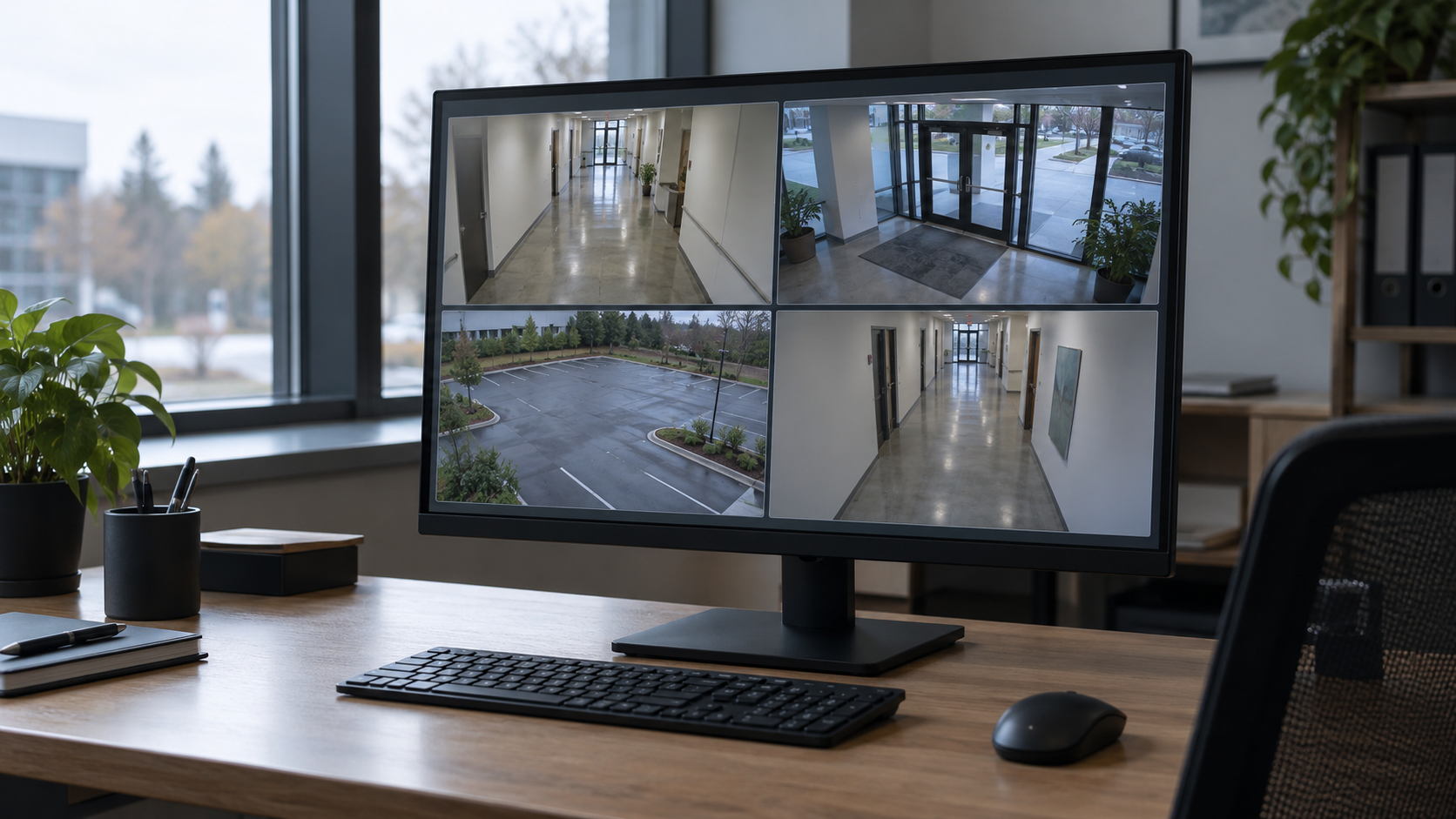
A video management system connects your cameras, recordings, and security operations. The platform you choose affects how easily staff can monitor facilities, investigate incidents, manage access, and expand coverage over time.
Most platforms can display live video and retrieve recordings. The differences become clearer when you consider everyday tasks: finding a specific event, managing multiple buildings, keeping existing cameras, or maintaining recording during a network outage.
The right VMS should fit your organization’s infrastructure and help your team work more effectively. Here are the capabilities worth evaluating.
1. An open platform that protects your options
Security systems evolve. You may add buildings, replace cameras, introduce access control, or adopt new analytics. An open platform gives you more freedom to make those decisions without rebuilding your entire system.
Look for support for third-party hardware, documented integrations, accessible APIs, and relevant industry standards. Ask whether you can choose equipment from different manufacturers and connect the applications your organization already uses.
Open architectures supporting a broad device ecosystem give organizations flexibility to retain existing equipment as their requirements change.
Standards matter, but compatibility needs to be specific. ONVIF profiles define different functions, including video streaming and analytics metadata. For example, Profile M addresses metadata and events for analytics applications. Confirm that both the device and VMS support the functions you need.
A good question to ask is: If our needs change in three years, what can we add or replace without starting over?
2. The ability to keep existing cameras
An upgrade should begin with understanding what you already own.
Many organizations have invested heavily in cameras, cabling, network switches, and recording infrastructure. A new VMS should offer a practical path to retain equipment that still meets operational and cybersecurity requirements.
An open platform works with existing IP cameras that provide compatible RTSP streams, allowing organizations to add AI monitoring and investigation capabilities without replacing every camera. That can be particularly useful for school districts with equipment purchased across different campuses and budget cycles.
Ask vendors to review your actual camera inventory. A useful proposal should identify which devices are supported, which features remain available, and whether any equipment needs replacement.
Keeping existing hardware can lower costs and disruption, while allowing you to upgrade individual cameras when there is a clear reason to do so.
3. An interface your team can use under pressure
A VMS can have an impressive feature list and still be difficult to use.
During an incident, staff need to find the right camera, review what happened, and share information quickly. Those tasks should be straightforward for the people who will perform them, including occasional users.
Have your team try the system during a demonstration. Ask them to locate a camera by building or map, move between live and recorded video, follow activity across several cameras, and export a clip.
For organizations with multiple locations, evaluate whether operators can move between sites without repeatedly changing applications or logging in. Web and mobile access may also be valuable for staff who need to review information away from a workstation.
Focusing on K–12 security and its web and mobile clients is relevant for schools evaluating day-to-day usability. As with any platform, the most useful test is whether your own staff can complete their work comfortably.
4. Search and investigation tools that save time
Finding the right footage often takes more effort than recording it.
Look for tools that help investigators narrow a search by time, location, event, and supported attributes. Depending on the system, this may include motion searches, object filters, or natural-language search.
AI can help teams locate relevant footage and investigate events across their camera network. This is a useful capability to evaluate when staff spend significant time manually reviewing video.
Search results are only part of the workflow. Operators also need to bookmark important moments, collect clips from multiple cameras, and share evidence with appropriate access controls.
Test a realistic investigation. Can staff find an event, follow it across cameras, and export usable evidence without a lengthy process? Confirm that timestamps remain consistent and recipients can open the exported material.
5. AI with a clear purpose and responsible oversight
AI is most valuable when it improves a task your team already needs to perform.
That might mean identifying activity after hours, finding a vehicle, or reducing the time spent reviewing irrelevant alerts. Start with the outcome you want, then evaluate whether the analytics can deliver it in your environment.
Lumana describes an approach that adapts AI models to individual camera environments and offers a range of detectors with the ability to add more. This recognizes that lighting, camera angles, backgrounds, and normal activity differ between locations.
Ask how the system handles those differences. How is performance evaluated? Can staff provide feedback? What happens when a camera moves or the environment changes? Which analytics are included, and which require additional licensing?
Responsible use matters just as much as capability, with an emphasis on privacy, data governance, testing, and human oversight.
Look for clear answers about how video and metadata are used, who can access them, and whether customer information contributes to model training. Staff should be able to review detections and retain control over consequential decisions.
A successful demonstration should show how AI helps an operator reach a better-informed decision.
6. On-premises and cloud options that fit your organization
Different facilities have different requirements for storage, connectivity, administration, and control. Your VMS should accommodate those requirements and provide a practical path as they change.
On-premises
Potential advantages: Local recording and direct control over infrastructure
Questions to ask: Who maintains servers, backups, updates, and remote access?
Cloud
Potential advantages: Centralized administration and access across locations
Questions to ask: What are the connectivity, retention, and subscription requirements?
Hybrid
Potential advantages: Local recording or processing combined with cloud services
Questions to ask: Which functions run locally, and which depend on the cloud?
A hybrid-cloud approach combines local processing and video storage with cloud services. Rather than continuously uploading every full video stream, its architecture uses local resources and retrieves video as needed, while metadata supports cloud capabilities. That approach is worth considering when bandwidth is limited or shared across many sites. Explore Lumana’s architecture.
Ask for a clear explanation of where recordings, metadata, analytics, and management functions reside. The word “hybrid” alone does not tell you how the system operates.
7. Reliability, cybersecurity, and manageable maintenance
A security system needs to work consistently and make failures visible.
Ask what happens when an internet connection drops, a recording server fails, or a camera goes offline. Confirm how staff are notified, whether recording continues, and how any missing connections recover.
Local AI processing can reduce dependence on an internet connection for supported analytics. However, cloud searches, remote access, and off-site notifications may still depend on connectivity. Test the functions your team considers essential.
Cybersecurity should also be part of the evaluation. Look for strong authentication, role-based permissions, encryption, audit logs, and a clear process for software updates.
Maintenance deserves attention too. Can administrators check system health across all sites? How are storage problems detected? Who is responsible for updates, and how long will the vendor support the software and hardware?
These questions help establish the ongoing workload for your IT and security teams.
8. A mobile experience that works beyond the desk
Security staff and administrators are not always sitting at a computer when an incident occurs. They may be walking between buildings, responding to an alert, or working away from the site. A strong mobile application lets them access the information they need wherever they are.
Look for an app that makes it easy to receive notifications, open the relevant camera, switch between live and recorded video, and review an event without returning to a workstation. For organizations with multiple locations, moving between sites should be straightforward.
Test the mobile experience as part of your evaluation. Can a staff member go directly from an alert to the relevant footage? Are playback controls easy to use on a small screen? Does the app perform well over cellular connections as well as Wi-Fi?
Mobile access should also follow the same permissions and security controls as desktop access. Staff should be able to see the cameras and information relevant to their responsibilities, with administrators able to revoke access when needed.
A well-designed mobile app helps teams assess situations and coordinate a response while they are already on the move.
9. Integrations that support a complete response
Video becomes more useful when it connects with other information.
Access control, intercoms, intrusion detection, and environmental sensors can help explain why an event occurred and what staff should do next. Look for integrations that let operators move from an alert to the relevant cameras, recordings, and response instructions.
Sensors are especially useful in spaces where cameras are inappropriate. Triton ULTRA, for example, generates a live RTSP stream of its radar visualization showing people count, each person’s location, and how long each person has been in a room. A compatible VMS can display that view beside exterior camera footage.
Depending on the integration, sensor events can also trigger bookmarks, notifications, and custom workflows. This helps staff monitor private spaces from their command center and direct attention where it is needed.
For more advanced reporting, ask whether the platform can ingest structured data to build custom dashboards and time-series graphs. A displayed video stream and access to the underlying numerical data are separate capabilities.
A well designed custom dashboard can combine video, events, maps, charts, and information from other systems in views tailored to different users.
The important question is whether an integration improves the complete workflow, from detection through response and review.
10. A clear picture of long-term cost
Compare the cost of operating the system over several years, including expansion.
Alongside software and camera licenses, consider storage, servers, cloud subscriptions, analytics, integration modules, maintenance, and support. Ask what happens to pricing when you add another building, increase retention, or enable a new feature.
Licensing models vary. Some capabilities are bundled, while others require separate subscriptions or hardware. A lower initial price may not reflect the cost of the configuration you ultimately need.
Also consider the time your staff spends administering the platform and investigating incidents. A system that fits their workflow can provide value beyond its purchase price.
Put your shortlist through a real-world test
The most useful VMS evaluation gives each vendor the same tasks.
Use representative cameras and a realistic incident. Ask staff to find footage, follow activity across cameras, bookmark an event, and share a clip. Review how administrators add users, check system health, and manage multiple sites. Test an outage and at least one integration you expect to rely on.
Genetec, i-PRO Video Insight, and Lumana each offer capabilities worth evaluating. The right choice will depend on your existing infrastructure, deployment preferences, and the work your team needs to do.
Choose a platform that makes that work easier today and gives you room to adapt tomorrow.