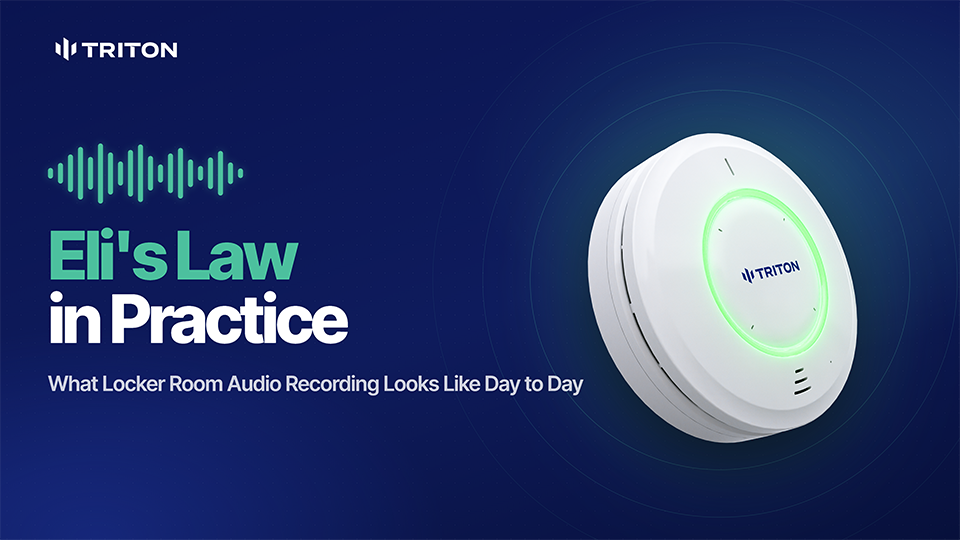
Beginning with the 2027–2028 school year, Arkansas public school districts and open-enrollment public charter schools must install audio recording devices in every locker room and changing room under Eli’s Law, or Arkansas Act 908.
For schools, the practical questions go beyond choosing a microphone. How will recordings be stored? Who can access them? How much installation work is required?
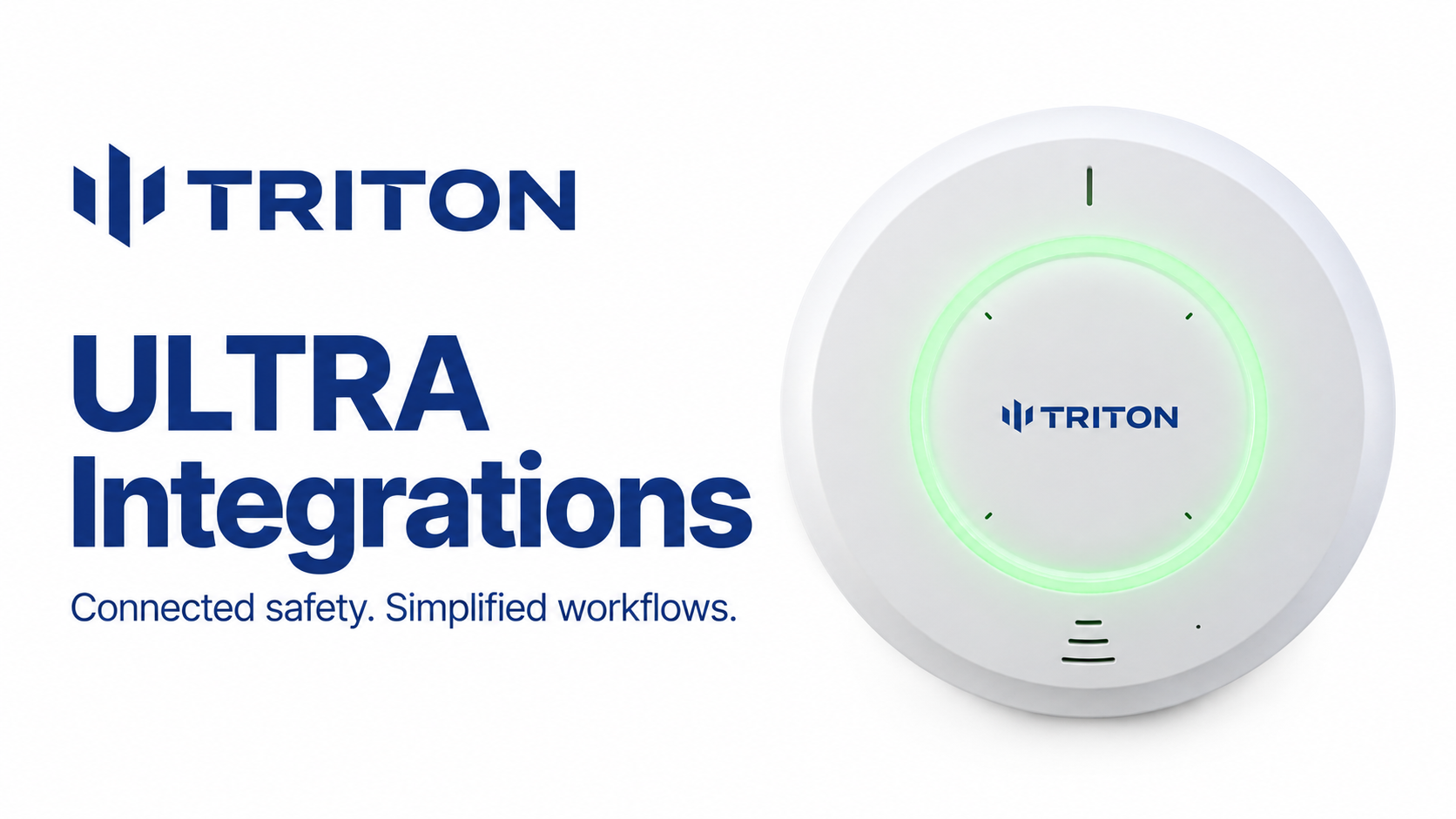
Triton ULTRA helps schools meet the recording requirements while providing tools to manage retention, restrict access, and track activity. The same sensor also supports alerts for potential safety concerns, helping staff respond before an incident becomes something to investigate later. Check out our webinar below for more information:
What Does Eli’s Law Require?
The main requirements include:
- Audio recording devices in every locker room and changing room.
- Visible signs notifying people that recording devices are present.
- At least 90 days of retention, with a 12-month maximum unless a recording may serve as evidence of alleged wrongdoing.
- A website notice at least 10 days before recordings are destroyed.
- Restrictions on who may request recordings: school administrators, or a parent, legal guardian, or person acting in a parent’s place who presents an allegation for which the recording may be evidence.
For the full checklist, see our Eli’s Law compliance guide.
How Triton ULTRA Supports Eli’s Law Compliance
Triton ULTRA records audio in 15-minute segments that authorized users can retrieve and export. Retention settings help schools manage how long recordings are stored.
Districts still need procedures for posting signs, publishing deletion notices, handling recording requests, and preserving potential evidence. The technology supports those responsibilities; the district’s policies and setup complete the process.
Control Who Can Access Recordings
Triton Cloud lets districts limit access by user and sensor. A building administrator can be assigned access to their school’s devices, while district staff can manage multiple locations.
Audit logs track recording access and configuration changes, helping districts review how the system has been used. Recording requests should go through the district’s established process rather than giving requesters direct system access.
Learn more about Triton’s security practices in our Trust Center.
Keep Installation Straightforward
Triton ULTRA combines sensing and audio recording in one device, without requiring a separate on-site recording server or appliance.
The sensors also support daisy chaining, which can reduce the number of separate cable runs needed for nearby spaces. Your installation plan should account for power, cable distances, room layout, and recording coverage.
Testing placement before a full rollout helps confirm that recordings are clear throughout the areas you need to cover.
Support Safety Beyond Recording
Recordings help schools review reported incidents. Triton ULTRA also provides alerts that can help staff respond while a situation is developing:
- Customizable keyword detection alerts staff when configured calls for help are detected.
- Aggression detection flags sustained elevated noise that may warrant attention.
- Occupancy and loitering detection uses radar to help staff identify crowding or extended stays without cameras.
- Vape and THC detection alerts staff to suspected vaping.
- Cell phone detection helps schools support their phone policies.
Staff can receive alerts by email, text, or app notification. Triton’s VMS integrations can also help teams review related hallway camera footage outside the private space.
Start With a Plan for Your Buildings
Preparing for Eli’s Law starts with identifying the rooms that need coverage, testing recording quality, and deciding who will manage access, retention, and required notices.
Triton’s demo program lets schools evaluate placement and performance in their own buildings before committing to a larger deployment.
Schedule a demo to explore how Triton ULTRA can support your district’s Eli’s Law implementation.