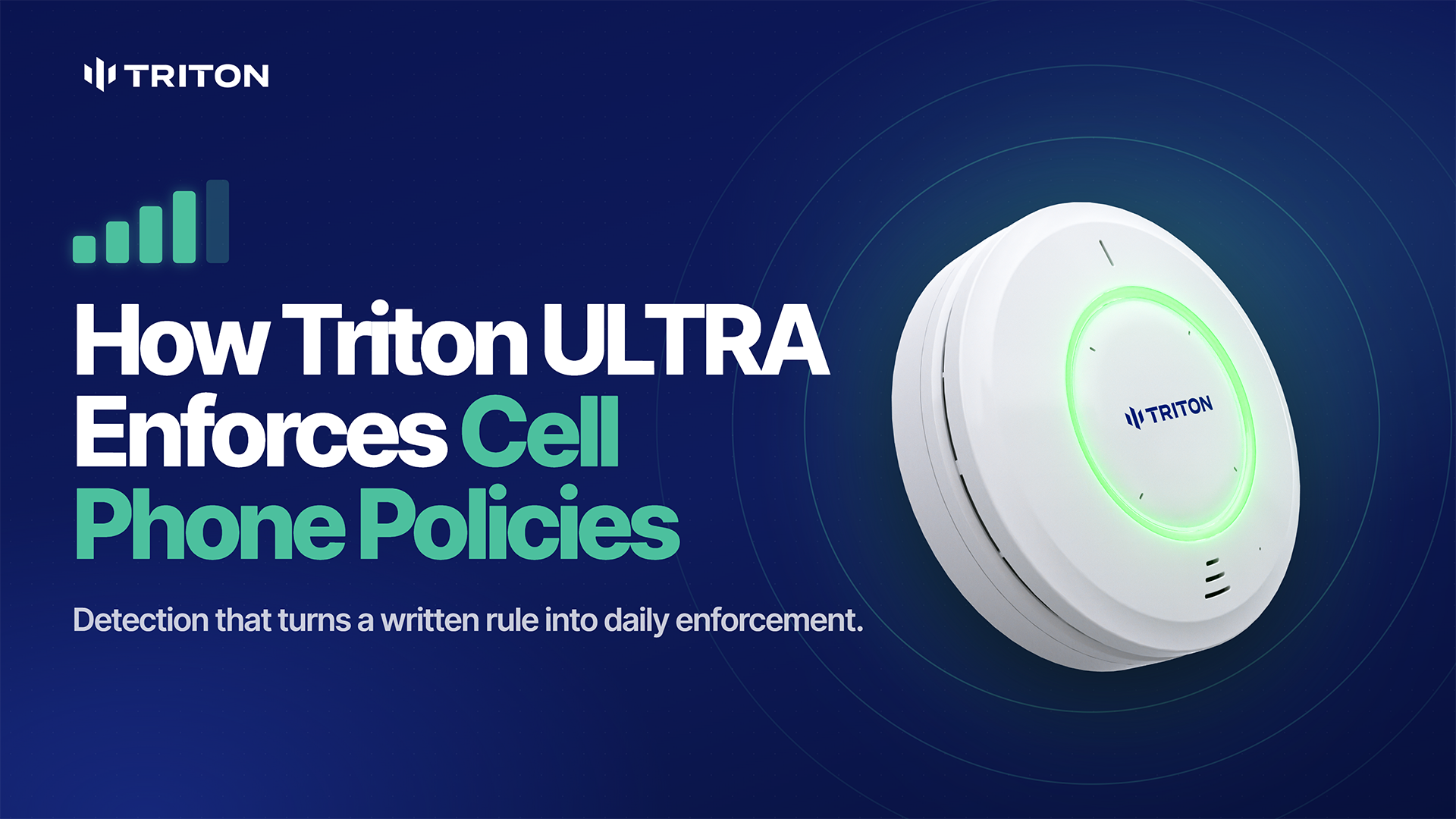
A cell phone policy is easier to enforce when staff can see students using their phones. Bathrooms and locker rooms present a different challenge.
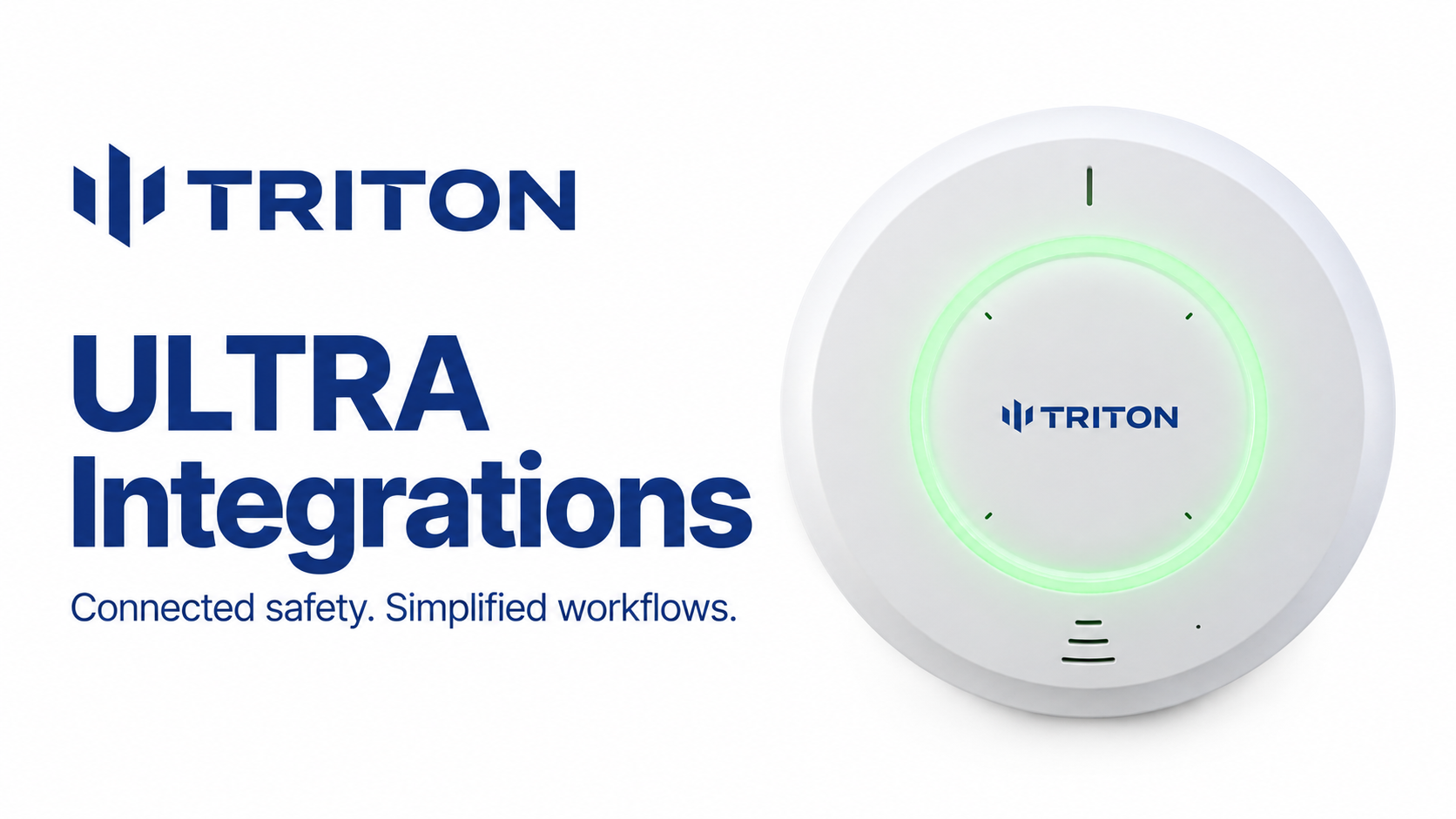
Triton ULTRA helps schools detect the presence of cell phones in these private spaces and automatically alert staff. Schools gain another way to support their phone policies without installing cameras inside restrooms or relying entirely on routine checks.
In our webinar, How Phone Detection With Triton Improves Learning in Schools, we explained how detection works and where it can help.
How Does Triton ULTRA Detect Cell Phones?
Triton ULTRA detects Bluetooth signals emitted by nearby phones. When it detects a phone, it can notify designated staff by text, email, or app notification.
Schools can adjust detection sensitivity and range for each location, enable the feature on selected sensors, and schedule alerts around the school day.
Cell phone detection identifies a phone’s presence. It does not show what someone is viewing, read their messages, or identify the person carrying it. Staff use the alert to decide whether a response is needed under the school’s policy.
Learn more about Triton ULTRA cell phone detection.
Why Phone Storage Is Only Part of the Solution
Locking pouches, classroom caddies, and lockers can help schools reduce phone access. But students may keep a second phone, bypass a storage system, or move their phone use to a bathroom.
Cell phone detection gives schools another layer of awareness. Instead of depending only on a teacher noticing a phone or a staff member making rounds, designated staff can receive an alert when a phone is detected in a monitored area.
This helps schools focus their response where attention may be needed.
Where Should Schools Use Cell Phone Detection?
Restrooms, locker rooms, and changing areas are practical starting points. These are spaces where cameras are inappropriate and staff have limited visibility.
Testing rooms may also benefit when schools restrict phones to protect exam materials.
Placement and sensitivity should be checked during setup to help reduce detections from nearby spaces. Walls can weaken wireless signals, but they should not be treated as a guaranteed detection boundary.
More Than a Cell Phone Detector
The same Triton ULTRA sensor supports several other school safety needs:
- Vape and THC detection alerts staff to suspected vaping.
- Radar-based occupancy and loitering detection helps staff assess crowding and extended stays without cameras.
- Customizable keyword alerts notify staff when configured calls for help are detected.
- Aggression detection flags sustained elevated noise that may warrant attention.
- Environmental monitoring helps schools track indoor conditions.
Together, these features help staff understand what needs attention in spaces they cannot continuously supervise.
Frequently Asked Questions
Does cell phone detection require extra hardware?
No. It is a built-in Triton ULTRA capability.
Does an alert prove a student is using a phone?
No. An alert indicates that a phone has been detected. Staff should assess the situation according to the school’s policy.
Can schools adjust the detection area?
Yes. Detection range and sensitivity are adjustable so schools can tune each sensor for its location.
Does phone detection access messages or record students?
No. The phone detection feature does not access messages, screen content, or record audio or video.
Put Your Phone Policy Into Practice
Clear policies, consistent expectations, and a practical response process all matter. Triton ULTRA supports that approach by helping staff detect phones in spaces where enforcement is difficult.
Explore cell phone detection with Triton ULTRA to see how it can support your school’s phone policy.