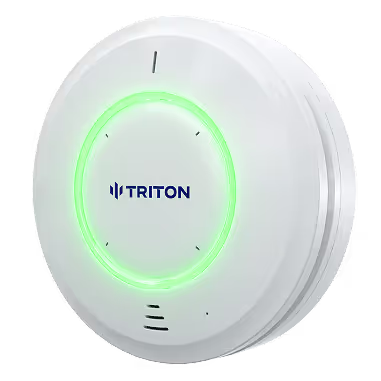
Setup, integration, and resources for your new Triton ULTRA sensor. Contact Triton Support or your authorized Triton Sensors sales partner for additional help.
1. Download and open Triton Device Manager software.
Contact your Triton representative or customer support for a download link to the software. Run the Triton Device Manager software on a Windows 10 or 11 computer connected to the same network as your Triton Sensors.
2. Scan for devices on your network
1. Select “Auto Scan” to scan your network for Triton devices. 2. Log into the device web page or edit settings directly from Triton Device Manager
3. Log into device web page
Sign in with the default username and password. Upon logging in for the first time, you will be prompted to change your password.
4. Configure Device Settings, Events, Actions, and Integrations
Use the menu bar on the left side of the device web page to change settings. Follow our other support articles and videos for more help. As always, reach out to our customer service if the need arises.